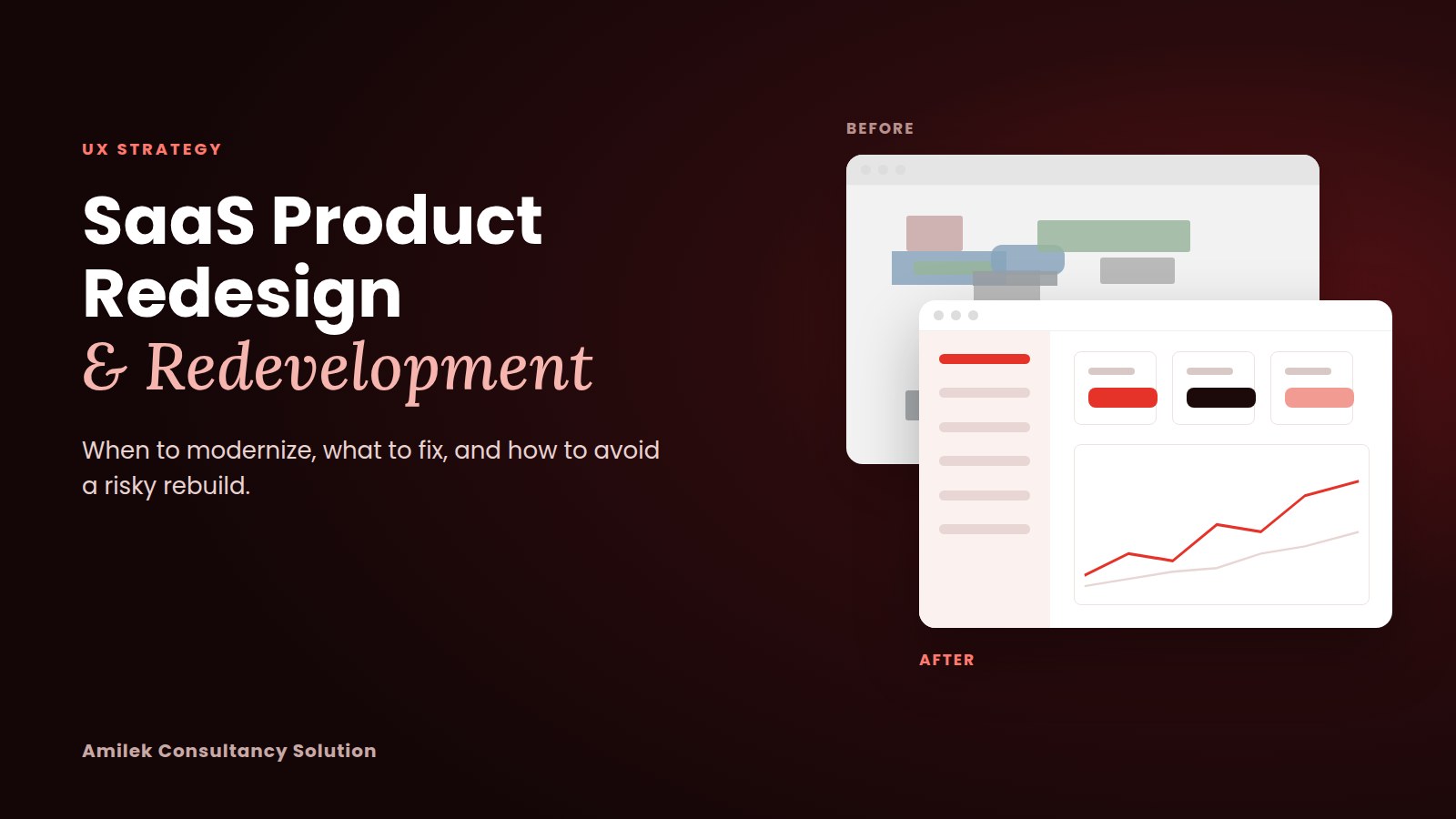
SaaS Product Redesign & Redevelopment: When to Modernize, What to Fix, and How to Avoid a Risky Rebuild

Your SaaS product works. Customers log in, data flows, invoices go out.
But new features take longer to ship. Users ask support how to do things that should be obvious. Developers hesitate before touching certain screens. And next to newer competitors, the product feels a few years behind.
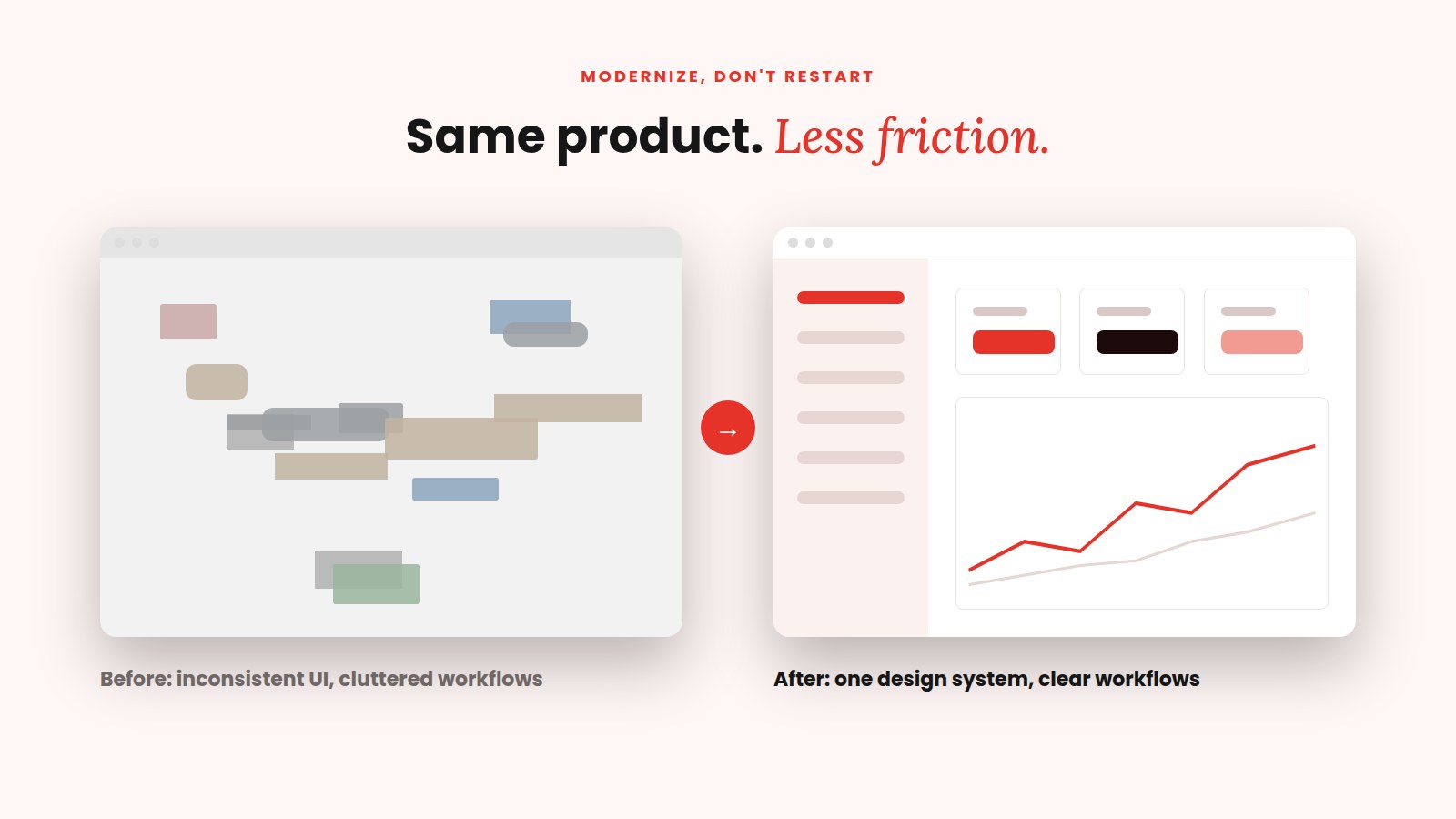
Products rarely break all at once. They slowly collect friction: inconsistent UI, cluttered features, growing technical debt and a frontend that fights every change.
At this point, many teams jump to one of two extremes: ignore it, or rebuild everything. Both are usually wrong.
The better question is: what should we keep, what should we improve, and what actually needs to be rebuilt?
Most products were designed for the business that existed at launch. As customers, features and the team grow, the original design starts to show its limits.
In mature SaaS products, we often see:
If several of these problems are happening together, it may be time to assess whether redesign, redevelopment, or both would create the most value.
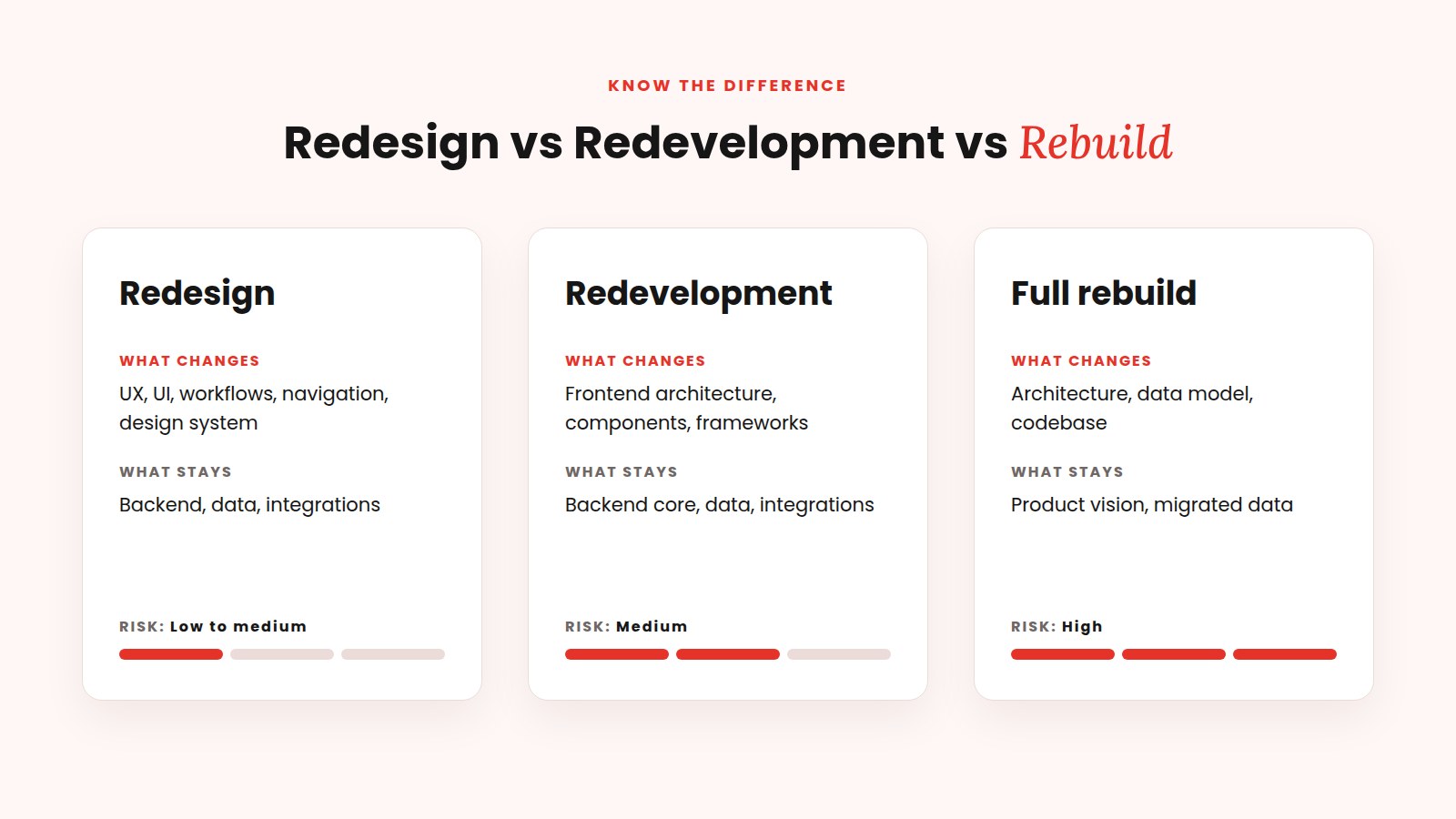
These terms are often used interchangeably, but they mean very different things, with very different costs and risks.
Many products need a redesign and redevelopment together: a better user experience on a modernized frontend, while the stable backend stays in place.
A clean slate is tempting. But a working product usually holds more value than teams realize:
A rebuild is sometimes the right call. But it should be a conclusion reached after an honest assessment, not a starting assumption.
Not every screen deserves equal attention. Start where users feel the most pain and the business feels the most impact: onboarding, the main dashboard, navigation, search, core workflows, billing, reporting, settings and the mobile experience.
Score each area from 1 to 5 on four factors:
Start with areas that score high on user and business impact and low to medium on risk and effort. Quick wins build confidence for larger changes.
Inconsistency is one of the most expensive problems in a growing SaaS product. Users relearn the interface on every page, and designers and developers rebuild the same elements again and again.
A design system fixes this at the root with reusable components, shared design tokens for colors, typography and spacing, built-in accessibility and clear usage guidelines. Its biggest benefit is speed: new features are assembled from tested building blocks instead of designed and coded from zero.
On the engineering side, the areas that usually matter are component architecture, outdated frameworks and libraries, performance, responsiveness, maintainability, testing and clean frontend/backend boundaries.
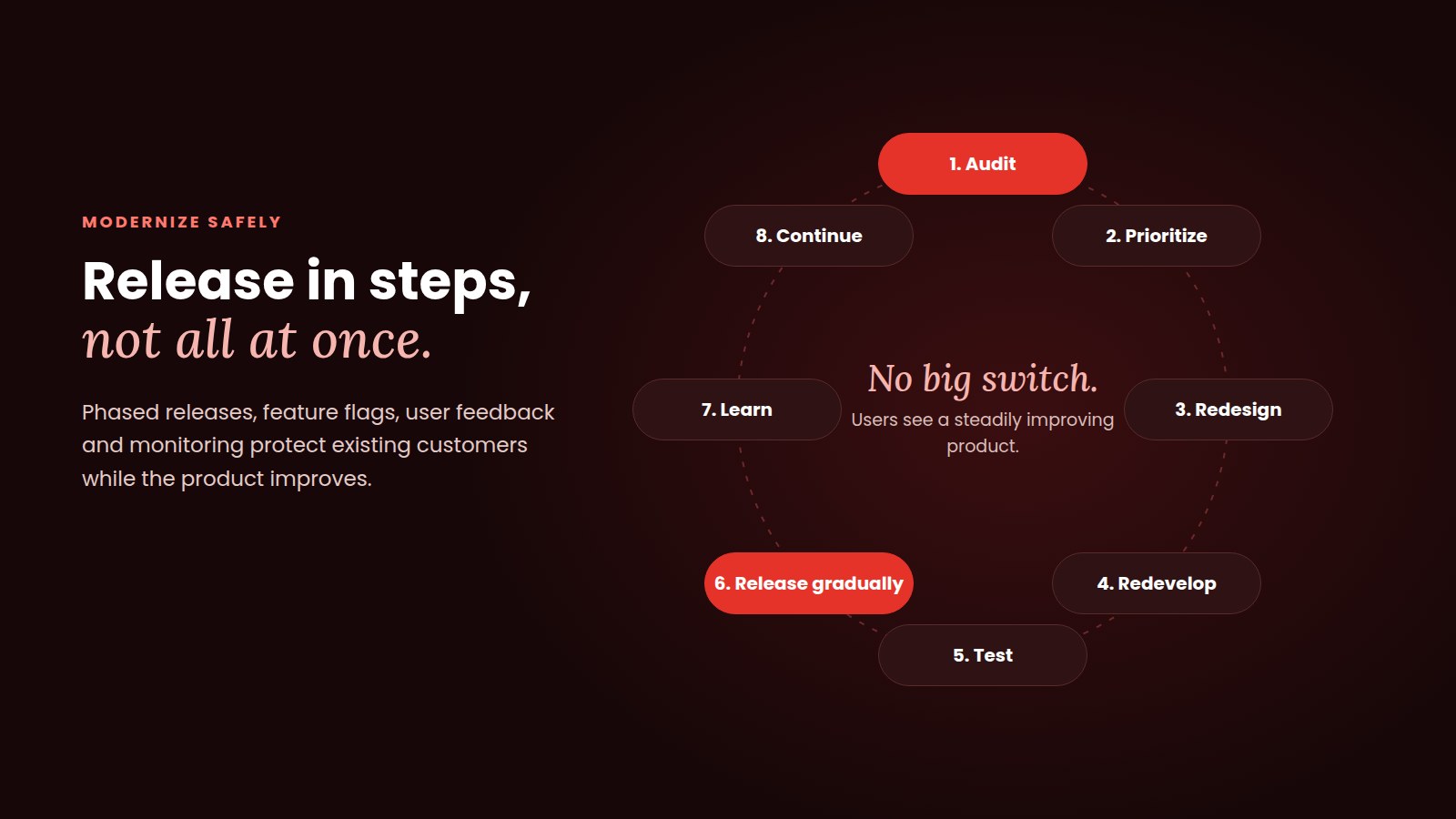
A modern frontend can often replace the old one module by module, connected to the same backend, so the product never needs a risky "big switch."
Not sure whether your product needs redesign, redevelopment or both? We can review your existing product and help identify what should change first. Book a 30-minute product audit.
Your existing users are your most valuable asset. The safest approach is progressive:
Audit, prioritize, redesign, redevelop, test, release gradually, learn, continue.
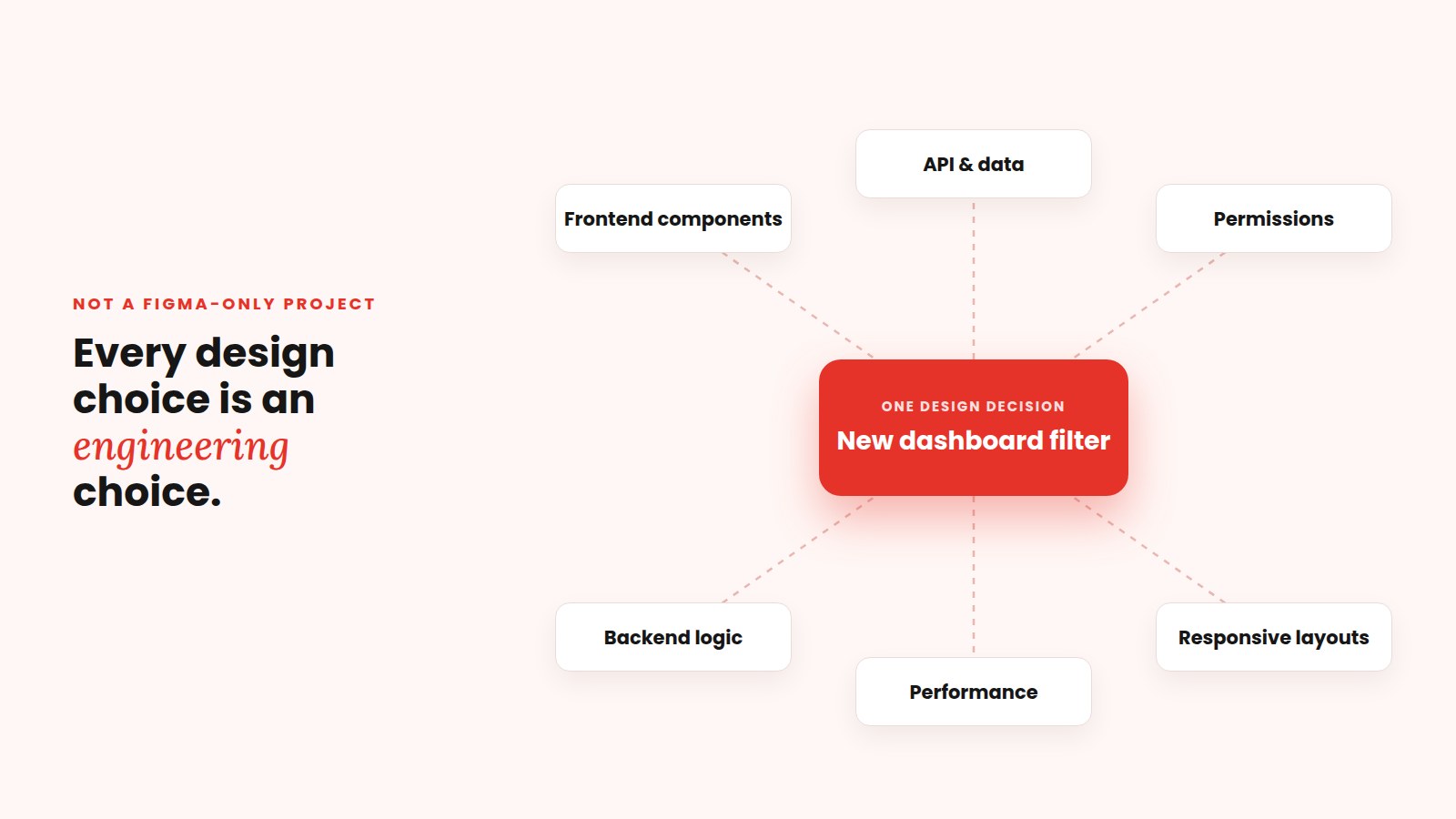
A SaaS redesign should not be a Figma-only project.
Every design decision has engineering consequences. A new dashboard may need data the current API doesn't return. A simpler workflow may require new permissions or backend logic. New filters and search may need different data structures. A beautiful layout that loads slowly, or breaks on smaller screens, is not an improvement.
When designers and engineers work together from the first review, designs stay realistic and engineering stays aligned with the user experience. This is why Amilek brings UI/UX, frontend, backend and AI/ML engineering into one team.
AI is optional. Many redesigns don't need it. But a redesign is a good moment to ask whether AI could solve a real problem your users already have, through smart search, in-product assistants, answers grounded in your own data (RAG), document processing, summaries, recommendations or workflow automation.
The rule is simple: add AI only where it solves a specific problem better than a traditional feature would. See how we approach AI features for existing products.
Even then, a rebuild can often run in stages, alongside the old system, instead of one high-risk switch.
At Amilek, UI/UX, frontend, backend, full-stack and AI/ML engineering work as one team. We've delivered 50+ projects across 20+ industries, hold Upwork Top Rated Plus status with $350K+ earned and a 100% Job Success Score, and have 10+ reviews on Clutch.
"Amilek Consultancy delivered responsive, stable UX with creativity, commitment, and smooth collaboration." Vinod V., Ackuity
Explore our UX Modernization and SaaS App Development services, or see our projects.
We're expanding our work with SaaS companies in the UAE and the wider Middle East, and we'll be at GITEX Global 2026 in Dubai, 8 to 11 December, at Dubai Exhibition Centre, Expo City.
Our founder, Amin Raiyani, will meet SaaS founders, CTOs and product leaders. Bring your product, and we'll give you a free modernization roadmap in a 30-minute session: the highest-friction areas, what to redesign, redevelop or keep, quick wins, whether AI could genuinely help, and a phased approach that protects existing customers.
A redesign improves the user experience and interface. Redevelopment improves the code underneath, such as frontend architecture, components and performance. Many products need both.
Common signs include users struggling with key workflows, inconsistent UI, repeated support questions, a weak mobile experience, and new features taking longer to build.
Yes. In many cases, a stable backend stays in place while the UX, design system and frontend are modernized.
Through phased releases, feature flags, user feedback and careful migration planning, so improvements reach users gradually.
When the architecture or technology fundamentally blocks growth, has structural security or performance problems, or when incremental fixes would cost more than rebuilding.
A successful SaaS redesign is not about making every screen look new. It should make your product easier to use, easier to maintain, easier to extend and easier to scale.
Start with an honest review. Fix what creates the most friction. Build a foundation the team can grow on. Release in steps.
Modernize what is holding the product back. Keep what already works.
Planning a SaaS redesign or redevelopment? Talk to Amilek. Attending GITEX Dubai? Book a free roadmap session. Anywhere else? Book a 30-minute product audit or contact us.