Designing Real-Time UI in React: Making Apps Feel Alive


Real-time UI isn’t just about speed. it’s about how users experience change. Here’s what actually makes interfaces feel instant.
There’s a big difference between an app that works and one that feels alive.
Most apps aren’t truly real-time. they just feel like it.The experience depends less on raw speed and more on how updates are handled.If everything re-renders, the UI feels unstable.If only what changed updates smoothly, the product feels reliable.Good real-time UI starts with controlled state, not just good visuals.
React makes it easy to build components. But real-time UI needs more than components, it needs precision.
Instead of updating everything:
A score feed is a simple example.If the entire list refreshes, it feels broken.If a single row updates smoothly, it feels intentional.
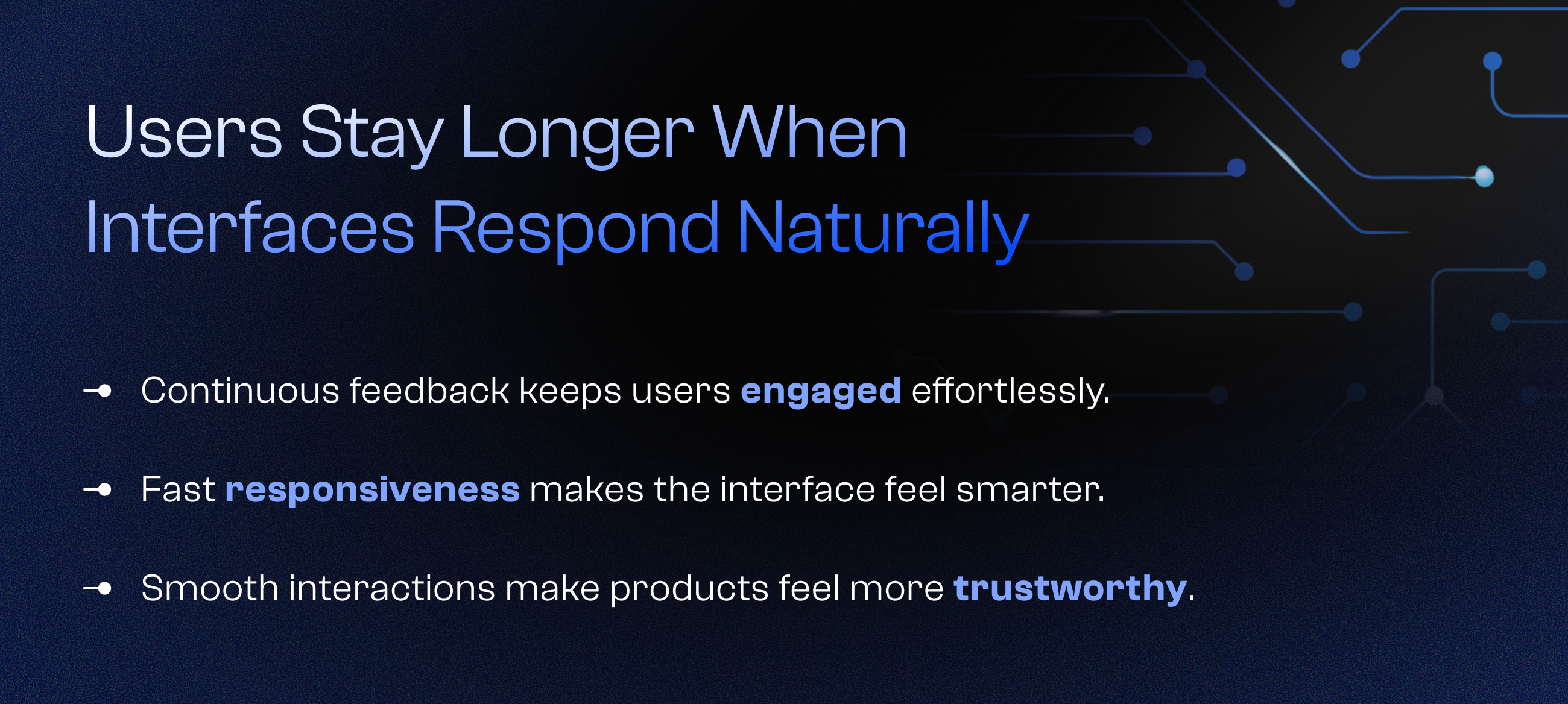
Visual cues play a big role in real-time experiences.A slight highlight on update.A subtle color shift when data changes.A smooth transition instead of a sudden jump.These small signals guide the user’s attention without overwhelming them.They make changes easier to notice and easier to trust.
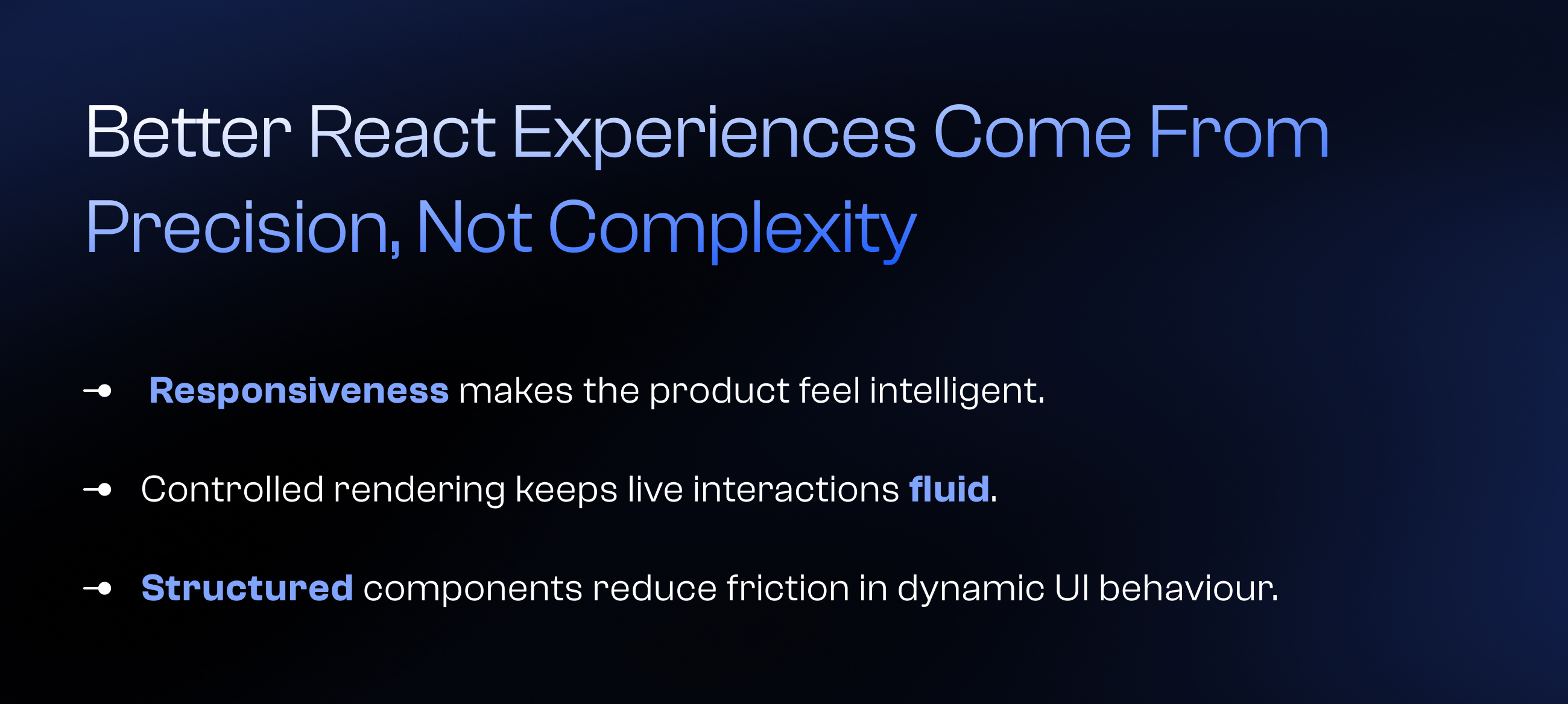
Behind every smooth experience is careful handling of performance.Frequent updates, heavy components, and poor state management can quickly slow things down.Keeping updates efficient, batching changes, and avoiding unnecessary renders ensures the UI stays responsive even under constant data flow.
Real-time UI isn’t about making things faster.It’s about making them feel instant.Because users don’t measure milliseconds they notice friction.