ElevateAI
About
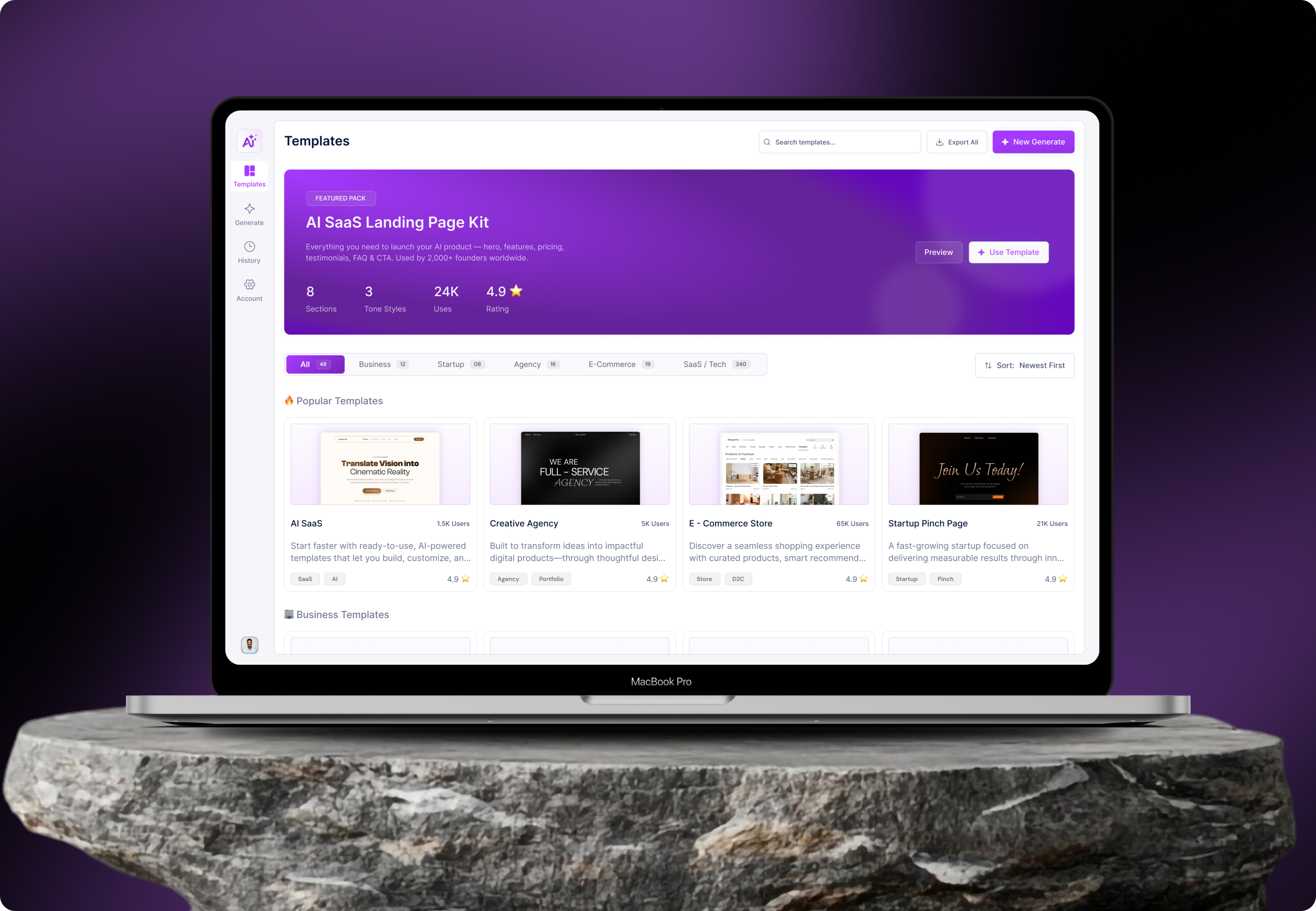
ElevateAI is an AI-powered platform that simplifies complex workflows into a single, intuitive interface. The goal was to design a system that helps users generate, manage, and optimize AI tasks without switching between multiple tools.
A clean visual language and structured layout were used to ensure clarity, usability, and efficiency across all screens.

Problem
Users often face difficulty managing multiple AI tools across different platforms. Interfaces are cluttered, workflows are disconnected, and productivity gets affected.

Solution
We created a unified experience that brings all AI functionalities into one platform with a clean UI, faster navigation, and simplified workflows.
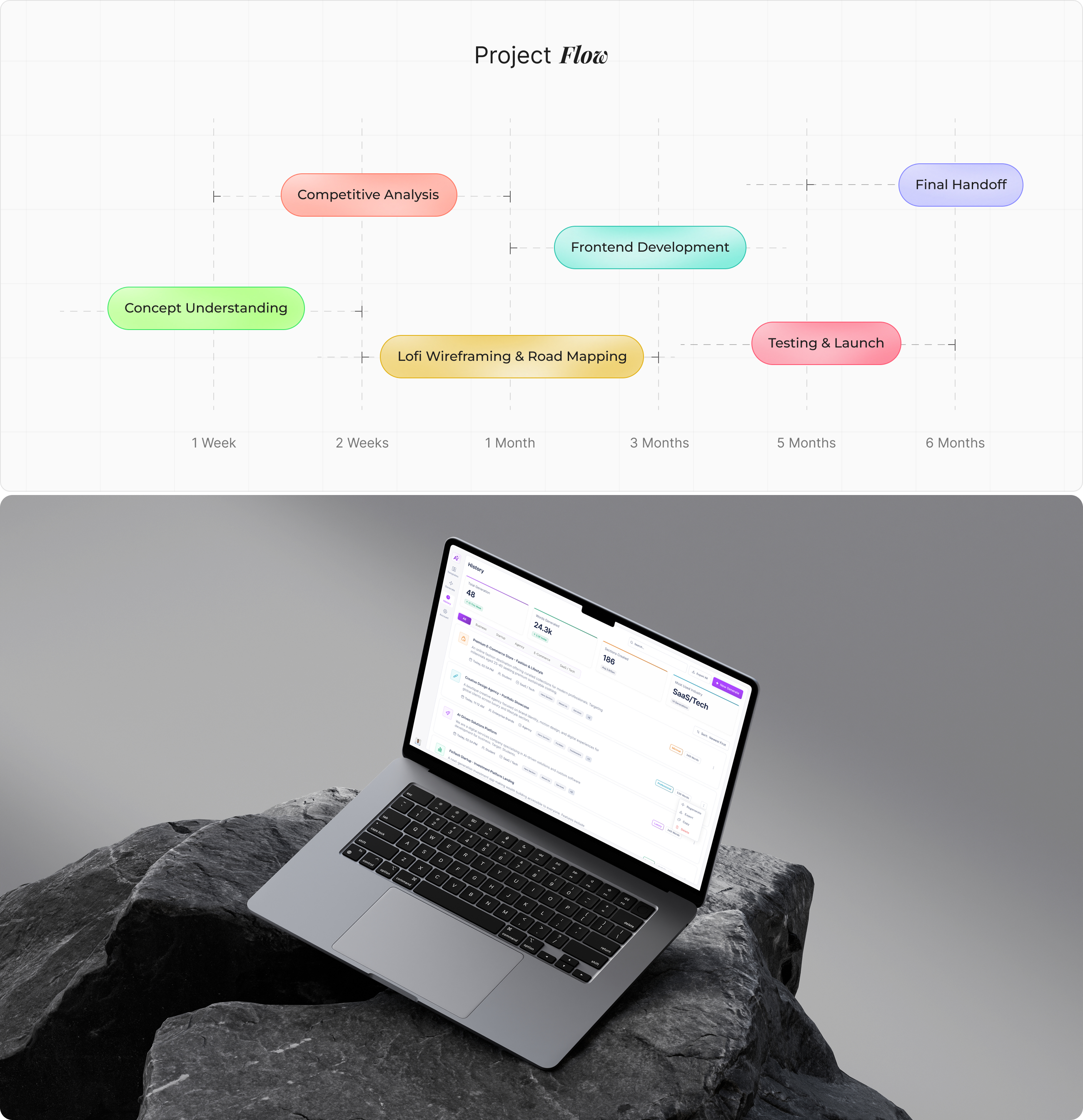
From Concept to
We conducted user interviews, surveys, and competitor analysis to understand real user behavior and expectations. The research revealed that users often struggle with scattered tools, complex navigation, and lack of clarity in AI platforms.
Key insights showed a strong preference for simplicity, faster access to features, and a centralized system that reduces effort and saves time. These findings became the foundation for all design decisions.

User
We conducted user interviews, surveys, and competitor analysis to understand real user behavior and expectations. The research revealed that users often struggle with scattered tools, complex navigation, and lack of clarity in AI platforms.
Key insights showed a strong preference for simplicity, faster access to features, and a centralized system that reduces effort and saves time. These findings became the foundation for all design decisions.
User Interface
The platform follows a dashboard-first approach, allowing users to access key features instantly without unnecessary steps. The layout is designed with clear hierarchy, structured sections, and intuitive navigation patterns.
Each element is placed strategically to reduce cognitive load, helping users complete tasks efficiently while maintaining a smooth and consistent experience across the platform.
Style
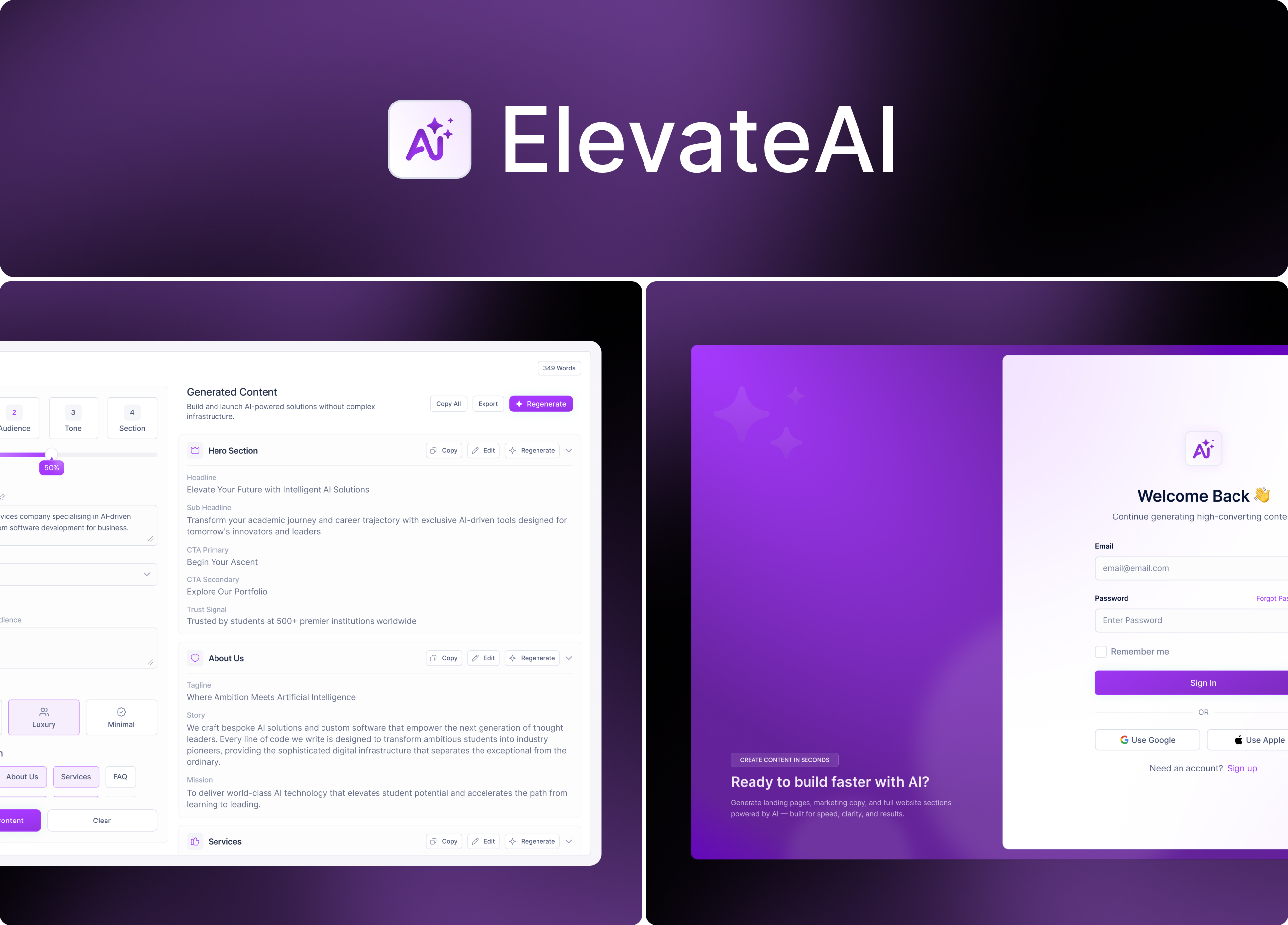
The design system follows a modern and minimal approach, ensuring consistency across all screens. Emphasis is placed on readability, spacing, and visual hierarchy to create a seamless user experience.
A dark-themed interface combined with vibrant accents helps draw attention to key actions while maintaining an elegant and futuristic look.
.jpg)
Software