Neoja - Add
About
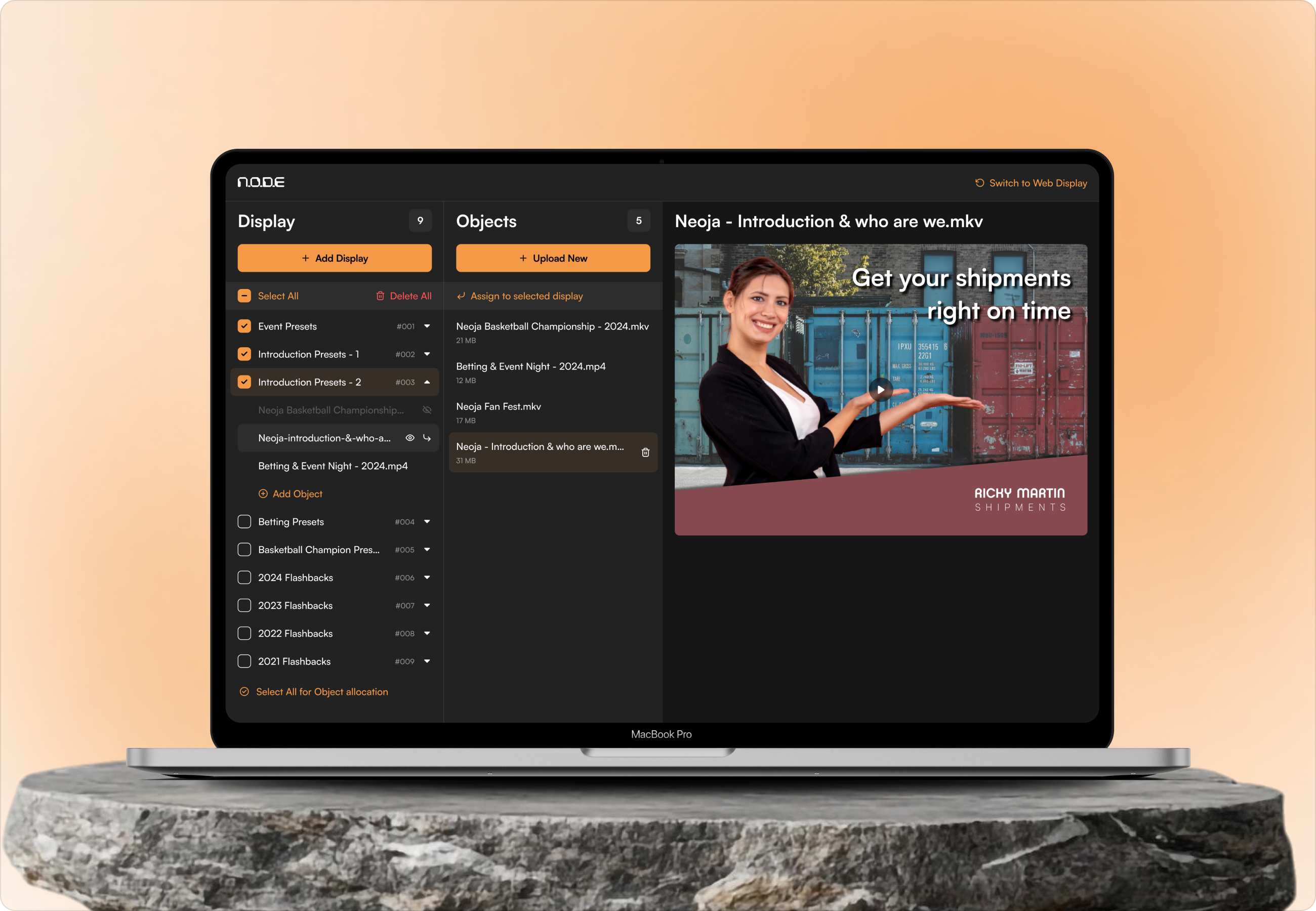
N.O.D.E is a centralized display management platform designed to control and showcase dynamic video content on large format screens within basketball courts and sports arenas.
The project focuses on enabling administrators to easily upload, organize, and schedule various types of video assets, such as introductions, promotional visuals, sponsor content, and live media for seamless playback on big displays.

Problem
Managing video content for large in venue displays during live basketball games is often complex and time sensitive. Administrators typically rely on fragmented tools or manual processes to upload, organize, and control different types of media such as player introductions, sponsor visuals, and promotional videos.

Solution
Through a clear UI architecture and intuitive workflows, administrators can easily upload, organize, preview, and assign video content to specific displays with confidence. The frontend is optimized for performance and reliability, ensuring smooth playback and quick responsiveness during live events.
.png)
From Concept to
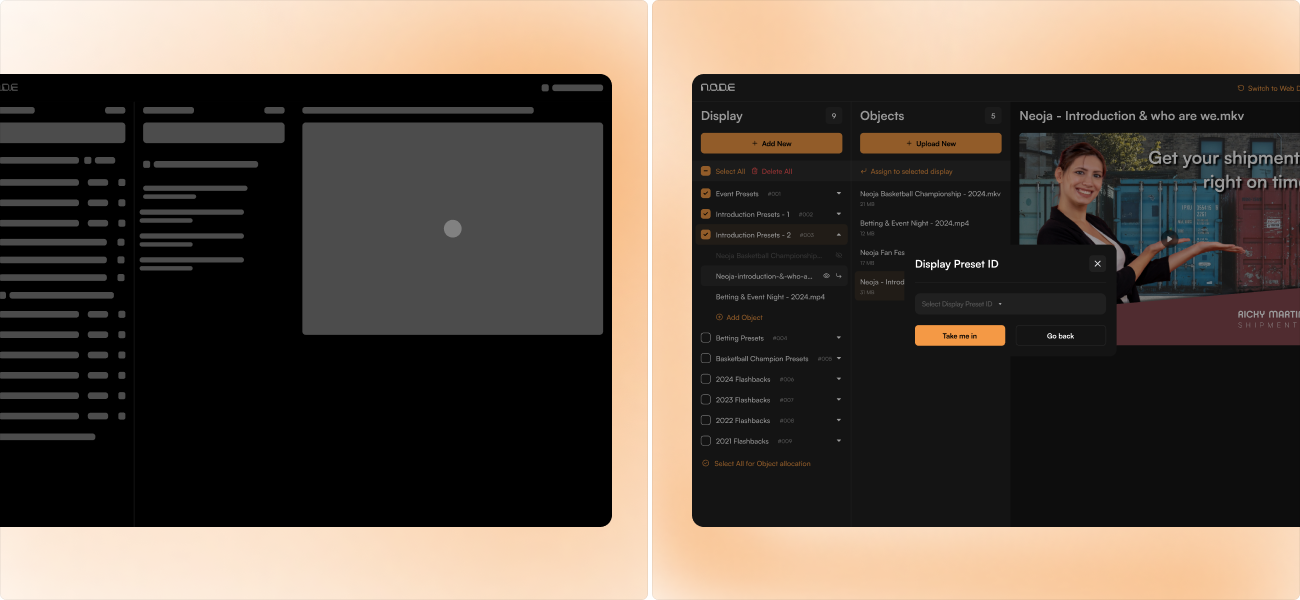
Starting with an understanding of live event workflows and the pressure faced by administrators during games, early concepts emphasized speed, visibility, and error free actions. Through iterative UI design and frontend refinement, the interface was shaped into a streamlined, performance driven system that enables seamless content management and confident operation in high energy basketball court environments.
User
User research focused on understanding the real world workflows of arena administrators, media operators, and event staff responsible for managing on court displays during live basketball games.
These findings directly informed the design decisions - shaping simplified navigation, clear action states, and minimal interaction steps ensuring the interface supports quick decision - making and reliable media control in high intensity environments.
User Interface
The platform follows a modular, task oriented structure that clearly separates video uploads, content organization, display assignment, and preview controls.
Consistent layouts, reusable components, and clear visual hierarchies enable administrators to quickly locate and manage assets without distraction. The architecture emphasizes real - time visibility and minimal navigation depth, allowing critical actions to be performed efficiently.

Style
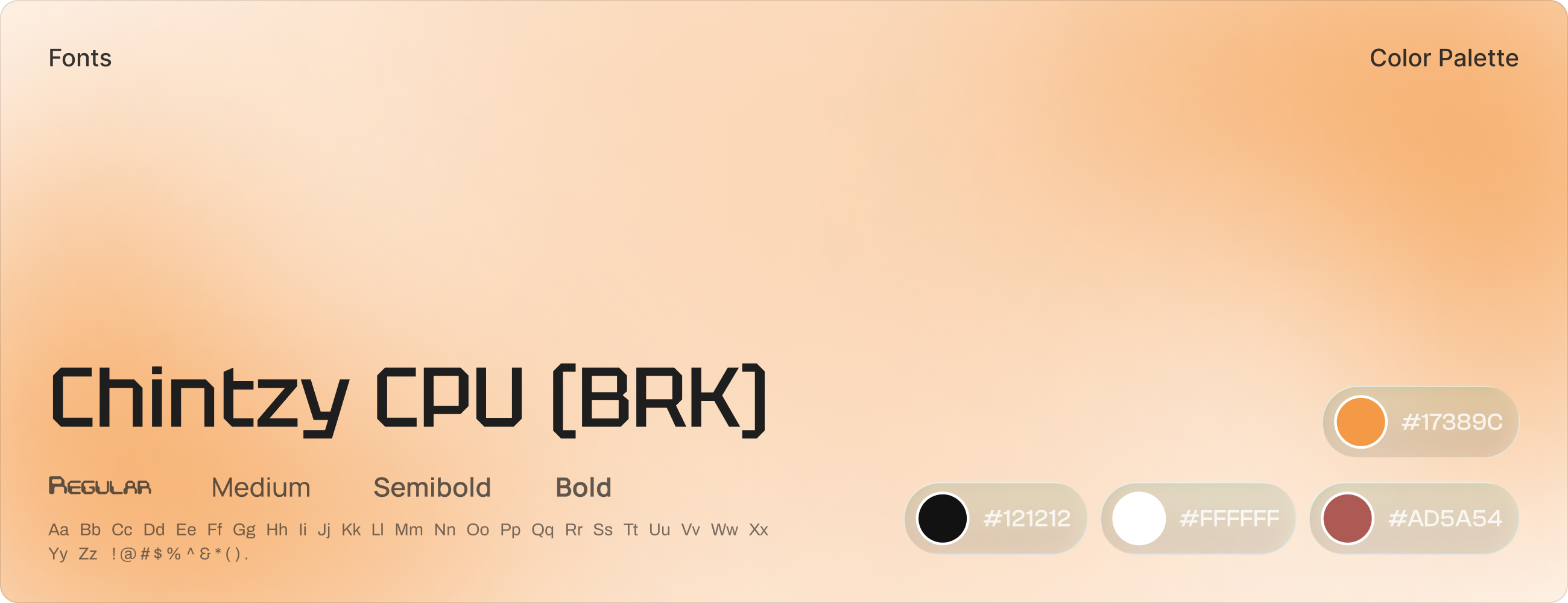
It defines standardized typography, color palettes, spacing, and reusable UI components to ensure readability, focus, and operational clarity across the platform.
Icon weight, spacing, and typography are kept consistent to maintain visual rhythm across every screen. The style supports fast decision-making and keeps the interface clean even in high-pressure match conditions.
Software